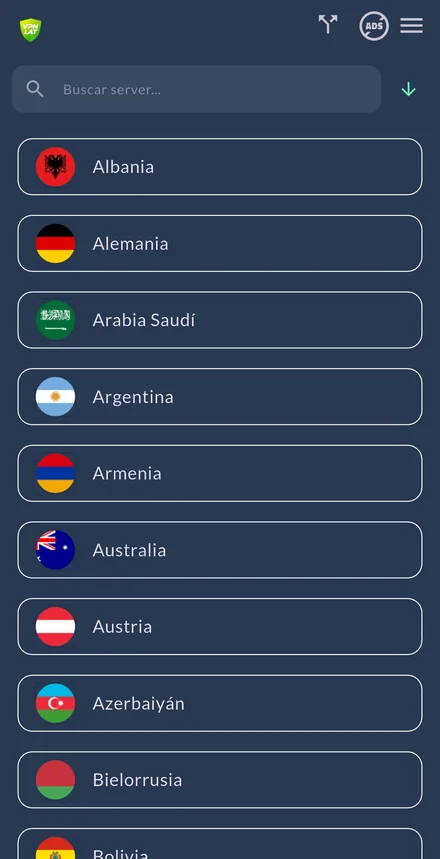
VPN.lat has free servers in Uzbekistan. No account, no email, no card, no data cap.
The Uzbek server has two audiences. If you're outside the country — and millions of Uzbeks work abroad, largely in Russia and Kazakhstan — it gives you an Uzbek IP to reach your bank and the services that block foreign connections. If you're inside, you want to encrypt your traffic and have the regional exits to hand.
It's also, alongside Kazakhstan, one of our two locations in Central Asia.
Get it on Android
Get it on iOS
What gets restricted, and how the mechanism works
Uzbekistan has historically exercised considerable control over internet access, with platforms and services blocked at various points. The picture has opened up over the years, though unevenly and with occasional episodes of renewed restriction.
We're not going to publish a list of "what's blocked": it would be out of date within weeks and would give you a false sense of certainty.
What we can explain is the mechanism. These restrictions are applied at the internet provider: when you request an address, your provider doesn't take you there, or takes you there very slowly. A VPN encrypts your connection and routes it out through a server in another country, so your provider stops deciding where you go. That's what makes it effective against this kind of restriction.
Messaging and calls
For this page's main audience, this is the most important section.
Voice and video calls over messaging apps are, on many networks, the first thing to be degraded or restricted, because they compete with traditional telephony and are easy to identify in traffic.
If your app calls won't connect or keep dropping while the rest of the app works, it's likely the network rather than your phone. With your traffic inside an encrypted tunnel, the operator sees a connection to a server and can't distinguish a call from any other data.
For the millions of Uzbeks working far from their families and speaking to them by video call, this is the entire product.
What your provider can see
Without a VPN, your internet provider can see which sites you connect to. The content is encrypted on HTTPS sites — nearly all of them now — but the destination isn't: there's a record that you connected to a given service, at a given time, from a given connection.
With the VPN on, your provider sees one thing: an encrypted connection to a server. Not the sites, not the searches, not the apps.
And on our side: we keep no activity logs. There's no history of your connections for anyone to request, because we don't create one.
Public Wi-Fi and mobile data
On the Wi-Fi at a hotel, an airport, a café or a shopping centre, anyone else on the same network is in a position to see a good deal of your traffic, and an open network can be misconfigured or simply fake.
With the VPN on, what leaves your device is encrypted from the first hop. If you're about to open your bank or your email from a network that isn't yours, turn it on first.
And something important if your main connection is mobile data: a VPN does not save you data. Encryption adds a small but real overhead. If your problem is the package running out, this app isn't the solution.
What a VPN can't promise you
It doesn't make you anonymous. If you log into your email or your social accounts, those services know exactly who you are. The IP changes; your account doesn't.
It isn't immune to detection. Techniques exist to identify and degrade VPN traffic. A server may work today and badly tomorrow; if that happens, try another from the list. Nobody promising guaranteed operation is being honest with you.
It doesn't work without a network. If there's an outage, there's nothing to encrypt.
It doesn't protect you from yourself. It doesn't clear cookies, doesn't change your browser fingerprint and doesn't stop you downloading something malicious.
It doesn't substitute for knowing the local law. Rules on VPN use and on what content is accessible change over time, and enforcement varies. If your personal safety depends on this, talk to someone who knows the jurisdiction first-hand.
Streaming and regional content
With an Uzbek IP, platforms treat you as if you were there: you get back the catalogue, the broadcast services and the local feeds that block you from abroad. For someone who's been working away for years, being able to watch television from home isn't a small thing.
And the other way round, if you're in Uzbekistan and want another country's catalogue, there are 83 more servers in the same app.
Two honest warnings. Platforms detect and block VPN IP ranges continuously: what works this month may stop next month and nobody can guarantee otherwise. And watching your own content while travelling is usually covered by the terms; manufacturing a permanent residence is not.
Banking and paperwork from abroad
For anyone outside the country, this is the strongest reason to use the Uzbek server.
Uzbek online banking is suspicious of foreign logins, and with good reason: it's exactly the pattern of fraud. From abroad you get extra verification, cut sessions or no entry at all. And if you're sending money to your family, that stops being an inconvenience and becomes a real problem.
With an Uzbek IP the session looks normal and the task goes through.
Two things worth saying, and the first matters most here: tell your bank you work abroad. The IP isn't the only signal they read — they also have your device and your history, so the VPN may not be enough by itself. And never log into your bank on public Wi-Fi without the VPN on.
Connect for free
No signup, no email, no seven-day trial, no data cap and no paid tier hiding behind it. On a page aimed at migrant workers, that deserves saying plainly: there is no hidden paid tier, no charge in month three, no card to register.
84 countries, all free. If what you need is an Uzbek IP for your bank, here it is. Compare with our speed test.